Legacy Software Modernization: When and Why Businesses Should Upgrade
Your business likely runs on software. Some of that software is new and shiny. But some of it might be old. It's called legacy software. It still works, mostly. But is it holding your business back? Many companies face this question. This article will help you understand when and why it's time to upgrade your legacy software.
What is Legacy Software?
Legacy software refers to old computer systems, applications, or technology that are still in use. These systems were often built using older programming languages or hardware. They might be functional, but they weren't designed for today's digital world. Think of it like an old flip phone. It can make calls, but it can't do what a smartphone does.
Why Businesses Use Legacy Software
There are good reasons why companies keep using old systems.
- It Works: If it's not broken, why fix it? These systems often perform essential tasks reliably.
- Cost: Replacing a whole system can be very expensive. Upgrading or replacing requires significant investment.
- Familiarity: Staff are used to the old system. Learning a new one takes time and training.
- Complexity: Some legacy systems are deeply integrated into many business processes. Replacing them is a huge project.
When It's Time to Modernize Your Legacy Software
Even if your old software works, there are clear signs it's time for an upgrade.
1. Rising Maintenance Costs
Old software often needs specialized support. The people who know how to fix it might be hard to find or charge high rates. As hardware ages, it also breaks down more often. These repair and support costs add up quickly.
- Expert Insight: "We see companies spending more on keeping their old systems running than they would on a modern, efficient solution," says Jane Doe, a senior IT consultant. "That money could be invested in growth."
2. Security Risks
Older software might not get security updates. This makes it an easy target for hackers. Data breaches can cost millions in fines and lost customer trust. Modern systems have built-in security features that are constantly updated.
- Statistic: According to a report by IBM, the average cost of a data breach in 2023 was $4.45 million. Older systems are more vulnerable to such attacks.
3. Lack of Integration
Today's business world needs systems that talk to each other. Legacy software often can't connect with newer cloud services or mobile apps. This creates data silos and manual workarounds. It slows down operations and leads to errors.
4. Performance Issues and Scalability Limits
As your business grows, your old software might struggle to keep up. It might become slow, especially during peak times. It also might not be able to handle more users or larger amounts of data. Modern solutions are built to scale easily.
5. Difficulty Finding Skilled Staff
Finding people who know how to maintain and develop on old technologies is becoming harder. This is especially true for older programming languages like COBOL. This can lead to long delays and high costs for any necessary changes.
6. Poor User Experience
Old interfaces are often clunky and hard to use. This frustrates employees and can lower productivity. Modern software is designed with user-friendliness in mind, making it easier for everyone to do their jobs.
7. Missed Opportunities
New technologies offer new ways to serve customers and operate your business. Think about AI, big data analytics, or personalized customer experiences. Legacy systems simply can't support these innovations.
Why Modernize? The Benefits
Upgrading your legacy software isn't just about fixing problems. It's about unlocking new possibilities.
1. Improved Efficiency and Productivity
Modern systems automate tasks and streamline workflows. This saves time and reduces manual effort. Employees can focus on more valuable work.
2. Enhanced Security and Compliance
New software comes with up-to-date security features. It also helps meet current industry regulations and compliance standards. This protects your business and your customers.
3. Better Customer Experience
Faster, more reliable systems lead to better service for your customers. They can access information and services more easily. This builds loyalty.
4. Increased Agility and Innovation
Modern platforms make it easier to adopt new technologies. Your business can react faster to market changes and introduce new products or services.
5. Cost Savings in the Long Run
While the initial investment can be high, modern systems reduce maintenance costs, errors, and downtime. This leads to significant savings over time.
How to Modernize: Common Strategies
There are several ways to tackle legacy software modernization.
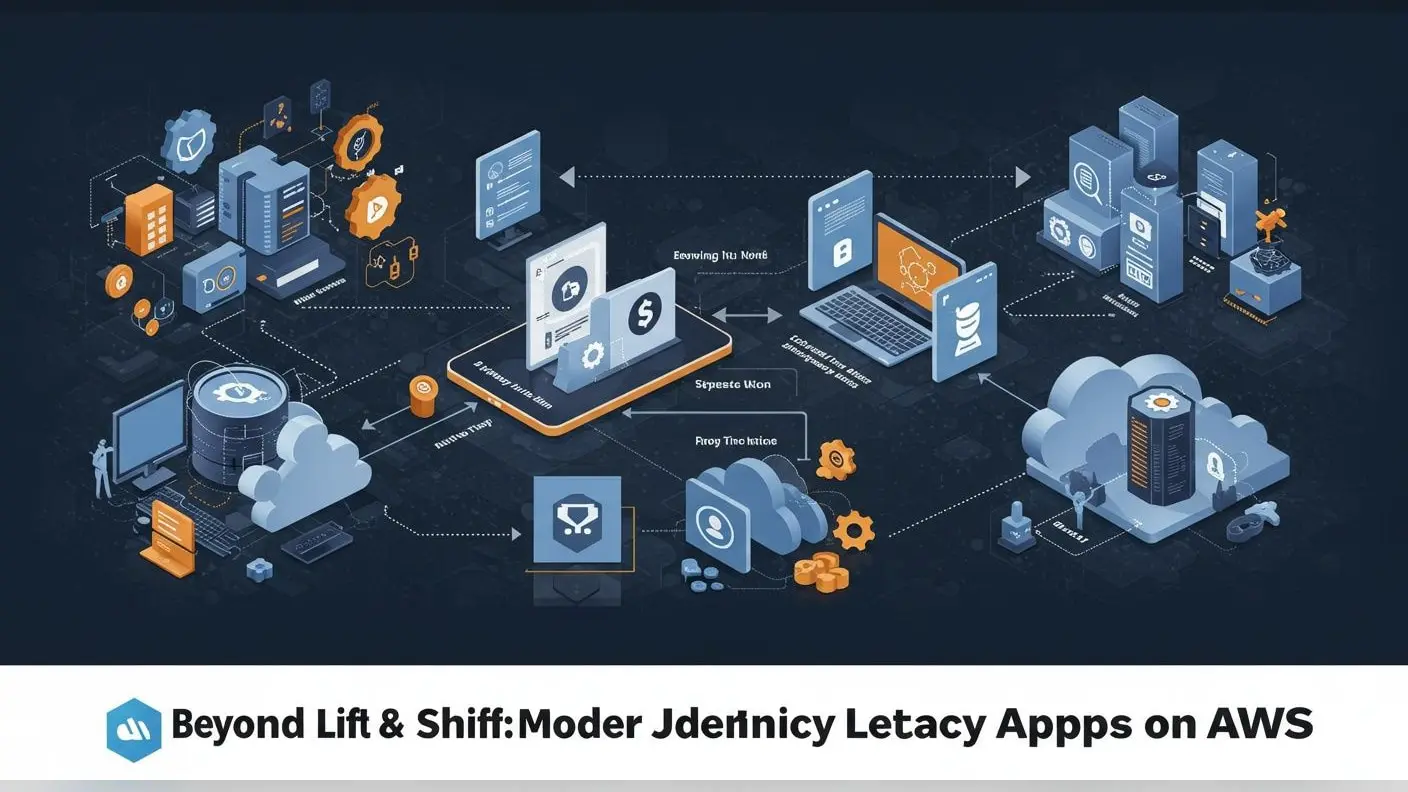
- Rehosting (Lift and Shift): Move the application to a new platform, often a cloud server, without changing the code. This is faster but doesn't fix underlying issues.
- Replatforming: Move the application to a new platform and make some changes to take advantage of the new environment, like using a different database.
- Refactoring: Restructure the existing code without changing its external behavior. This improves code quality and performance.
- Rearchitecting: Significantly alter the application's architecture to improve scalability, maintainability, or performance.
- Rebuilding: Rewrite the application from scratch using modern technologies. This offers the most benefits but is also the most time-consuming.
- Replacing: Retire the legacy application and buy a new commercial off-the-shelf (COTS) solution.
Choosing the Right Strategy
The best approach depends on your business needs, budget, and risk tolerance.
| Strategy | Description | Speed | Cost | Risk | Benefit |
| Rehosting | Move to new infrastructure, little code change. | Fast | Low | Low | Quick infrastructure upgrade. |
| Replatforming | Move to new infrastructure, minor code changes. | Medium | Medium | Medium | Use new platform features. |
| Refactoring | Improve code structure without changing function. | Medium | Medium | Medium | Better performance, easier maintenance. |
| Rearchitecting | Change the application's core design. | Slow | High | High | Modern capabilities, scalability. |
| Rebuilding | Rewrite the application from scratch. | Very Slow | Very High | Very High | Fully modern, tailored solution. |
| Replacing | Buy a new, existing software solution. | Fast | Varies | Medium | Proven solution, features included. |
Conclusion
Legacy software can feel like a comfortable old shoe. But if it's worn out, it can trip you up. Recognizing the signs that your systems are outdated is the first step. Modernizing your software is an investment. It's an investment in efficiency, security, innovation, and the future success of your business. By carefully evaluating your current systems and choosing the right modernization strategy, you can move your business forward. Don't let old technology hold you back from achieving your full potential.
Frequently Asked Questions (FAQ)
Q1: How much does legacy software modernization cost? A1: The cost varies greatly depending on the complexity of the software, the chosen strategy, and the scope of the project. It can range from thousands to millions of dollars.
Q2: How long does it take to modernize legacy software? A2: Similar to cost, the timeline can differ. Simple rehosting might take weeks or months, while rebuilding or rearchitecting can take years.
Q3: Is it always necessary to replace legacy software? A3: Not always. Sometimes, refactoring or replatforming can bring significant benefits without a full replacement. The decision depends on the specific situation.
Q4: What are the biggest risks of not modernizing? A4: The main risks include increased security vulnerabilities, higher maintenance costs, poor performance, lack of integration, and falling behind competitors.
Q5: How do we know which modernization strategy is best for us? A5: This requires a thorough assessment of your current system, business goals, technical capabilities, and budget. Consulting with IT experts can help guide this decision.